
At a glance
Search UX is the experience a person has the moment they try to find something, whether that’s typing into Google, asking an AI Overview, or using the search bar on your own website. Weak search UX loses customers even when SEO is technically working, because ranking well and being easy to actually search with are two different things.
Search UX has two halves that are usually managed separately but shouldn’t be: on-site search, meaning your own search bar, filters, and navigation, and off-site search experience, meaning how your brand shows up and reads on Google, in featured snippets, and in AI-generated answers. Rising ad costs and increasingly AI-mediated search mean ranking well is no longer enough on its own. The actual experience of finding, reading, and acting on your content now directly affects conversion and retention.

Image credits: Miguel Á. Padriñán
Most brands treat SEO and website UX as two separate projects run by two separate teams, one chasing rankings, the other chasing conversion rate. Search UX is the space in between, the actual experience a person has the moment they try to find something, whether that search happens on Google, inside an AI Overview, or in the search bar on your own site.
That gap is getting more expensive to ignore. Google’s page experience signals reward sites that are fast and easy to use. AI-driven search surfaces like AI Overviews and conversational assistants are increasingly answering queries before a person ever reaches a website. And on-site, a slow or unhelpful search bar quietly pushes visitors, who already showed intent to buy, straight back out.
Think about it the way you would a physical store. Someone walks in already wanting to learn more about a product, and instead they’re met with difficulty finding it, an unhelpful staff member, or a layout that makes no sense. That moment changes how they feel about the brand, often permanently, regardless of how good the product actually is. Search UX is the digital version of that same moment, and it’s what ties all of this together: designing for how people actually search, on every surface where they do it, rather than optimising rankings and on-site experience as two disconnected workstreams. This guide walks through what that means in practice, and how a Singapore brand builds it properly.
What Is Search UX?
Search UX is the design and optimisation of every moment a person spends trying to find information, spanning both the search engine results a brand appears in and the search experience a brand provides on its own website or app. It sits at the intersection of SEO, content strategy, and interface design.
| SEO | Website UX | Search UX | |
| Primary question | Will this page be found? | Is this site easy to use overall? | Is the act of searching and finding easy, wherever it happens? |
| Scope | Rankings, technical SEO, backlinks | Full site navigation, layout, checkout, forms | On-site search, SERP presentation, AI answer readiness |
| Owned by | SEO/marketing team | Design/product team | Sits across both, often owned by neither |
Table 1: SEO vs Website UX vs Search UX
The Two Halves of Search UX
On-SERP and AI Search Experience
The first half is the on-SERP and AI search experience, which is how a brand is experienced before a visitor even reaches the website. This covers how a listing reads in Google, whether it earns a featured snippet, and whether an AI Overview or chat-based assistant represents the brand accurately when summarising an answer.
On-Site Search Experience
The second half is the on-site search experience, which is what happens once someone lands on the site and tries to find something specific, using a search bar, filters, or category navigation. For ecommerce and content-heavy sites in particular, this is often the single highest-intent moment on the entire site, and also one of the most neglected.
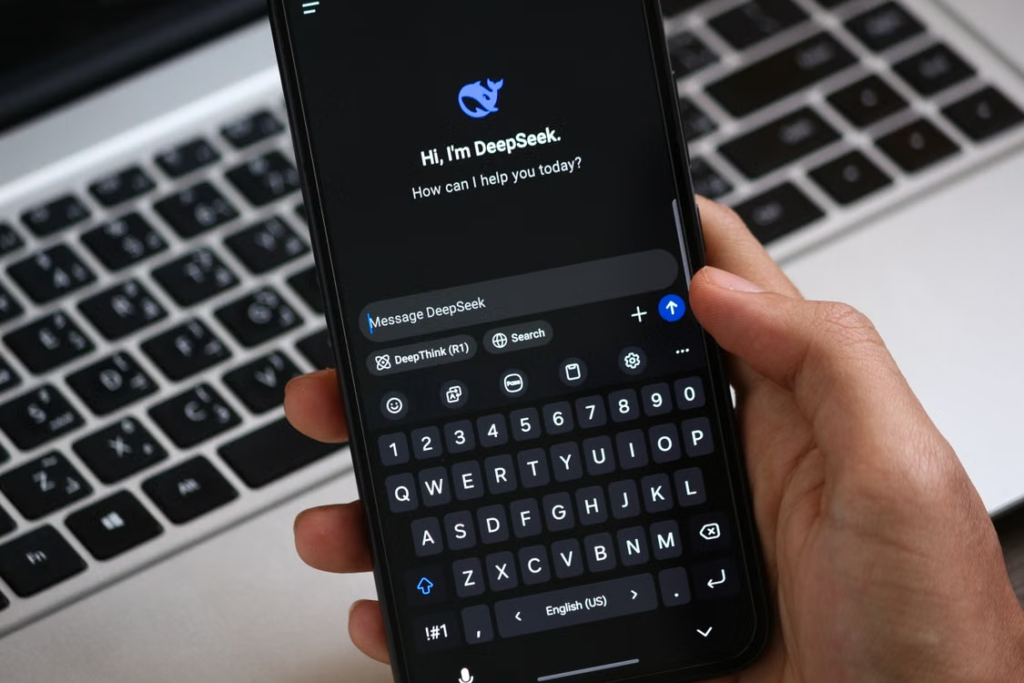
Image Credits: Abdelrahman Ahmed
Why Search UX Matters for Businesses
Google’s page experience signals are no longer optional. Site speed, mobile usability, and stability, measured through Core Web Vitals, are established ranking factors. A technically well-optimised page that loads slowly or shifts around while loading will still underperform pages that are faster and more stable, holding content quality constant.
A broken on-site search bar is a leaking bucket. Visitors who use on-site search have already shown clear intent, they know what they want and are actively looking for it. When someone already has the intent to search for your brand or product, that’s the lowest hanging fruit you have. A search bar that returns zero results for common misspellings, or that can’t handle plurals and synonyms, sends that same high-intent visitor straight back to a competitor’s Google listing instead, turning what should have been an easy conversion into a lost one.
AI search is also changing who gets the click. AI Overviews and conversational search assistants increasingly answer a query directly on the results page, before a person ever clicks through. Content that isn’t structured clearly enough to be extracted and summarised by these systems risks losing visibility even while still ranking in the traditional sense.
And in crowded categories, friction costs more than it used to. In competitive Singapore categories like ecommerce, financial services, and property, a visitor rarely has just one option open in another tab. Any friction in finding what they need is an invitation to leave and complete the search somewhere else.
The Core Components of Great Search UX
On-site search functionality is where most of the highest-impact fixes live. Autocomplete and typeahead, which suggest likely queries as a user types, shorten the path to the right result and reduce the chance of a zero-result search. Search also needs typo tolerance and synonym handling, accounting for common misspellings, plurals, and related terms such as “sneakers” returning results tagged “trainers,” rather than requiring an exact keyword match. For ecommerce and content-heavy sites, filters and facets covering price, category, size, or date let visitors narrow a broad result set into exactly what they’re looking for, rather than scrolling through everything. And a search that returns nothing should never be a dead end. Zero-result handling should suggest close matches, popular alternatives, or a way to contact the business directly.
SERP and AI search presentation is the other half of the equation. Structured data and schema markup help search engines and AI systems understand and accurately extract page content, increasing the chance of appearing in rich results, featured snippets, or AI-generated summaries. Content structured with clear, direct answers near the top of a section, using short paragraphs, definition-style sentences, and ordered lists, is more likely to be pulled into a featured snippet. That same structuring also helps AI Overviews extract and cite content accurately, since vague or overly promotional phrasing is harder for these systems to summarise cleanly.
Page experience fundamentals underpin both of the above. Core Web Vitals, covering loading speed, interactivity, and visual stability, directly affect both rankings and whether a visitor stays long enough to search for what they came for. And with the majority of search traffic in Singapore happening on mobile, search bars, filters, and results pages need to work cleanly on a small screen, not just be a shrunk-down desktop layout.
How to Build a Search UX Strategy, Step by Step
The first step is auditing both halves separately, running a technical SEO and Core Web Vitals audit, and separately testing your own on-site search bar with real, messy queries such as typos, plurals, and vague terms. From there, map your highest-intent search journeys by identifying the handful of queries and on-site searches that most directly lead to a conversion, and prioritise fixing those first.
Once you know where the gaps are, fix on-site search functionality in order of impact for most sites, starting with typo tolerance and synonyms, then filters, then zero-result handling. In parallel, restructure key content for extractability by adding clear, direct-answer sections near the top of important pages so both featured snippets and AI Overviews can pull from them accurately. Address page experience fundamentals like Core Web Vitals and mobile usability as well, since these affect the ceiling on every other effort you make. Finally, treat this as a cycle rather than a one-time fix. Queries, AI search behaviour, and Google’s own presentation of results all continue to shift, so re-testing needs to be ongoing.

Image credits: Firmbee.com
How to Measure Search UX
On-site search performance comes down to a handful of core metrics. The zero-result rate tells you how often on-site search fails to return anything useful, while the search-to-conversion rate shows whether people who use search actually complete a purchase or enquiry. The search exit rate, or how often people leave the site right after a search, is a strong signal of a broken experience, and the refinement rate tracks how often people have to search again after their first attempt.
| Metric | What It Tells You |
| Zero-result rate | How often on-site search fails to return anything useful |
| Search-to-conversion rate | Whether people who use search actually complete a purchase or enquiry |
| Search exit rate | How often people leave the site right after a search, a strong signal of a broken experience |
| Refinement rate | How often people have to search again after their first attempt |
Table 2: On-Site Search Metrics
On the SERP and AI side, organic CTR tells you whether your listing is compelling enough to earn the click once it’s shown, while featured snippet and rich result appearances indicate whether your content structure is being recognised and surfaced. AI Overview and AI citation appearances show whether AI search systems are pulling from and citing your content, and Core Web Vitals scores reveal whether page experience is helping or capping your visibility overall.
| Metric | What It Tells You |
| Organic CTR | Whether your listing is compelling enough to earn the click once it’s shown |
| Featured snippet / rich result appearances | Whether your content structure is being recognised and surfaced |
| AI Overview / AI citation appearances | Whether AI search systems are pulling from and citing your content |
| Core Web Vitals scores | Whether page experience is helping or capping your visibility |
Table 3: SERP & AI Search Metrics
Why Search UX and Content Strategy Should Work Together
Content written purely to rank, without attention to how it will be read, extracted, or searched for, tends to underperform even when it technically covers the right keywords. Content written to be genuinely useful, but structured without any regard for how search engines or AI systems parse it, often fails to get discovered at all.
The strongest results come from planning both together from the start. Content strategy decides what to say and for which query, while search UX decides how that content is structured, presented, and made findable, both on the website and across search surfaces. Run separately, one team ends up optimising for a click that never lands well, and the other polishes an experience that never gets found in the first place.
Common Search UX Mistakes Most Brands Make
The most common mistake is treating on-site search as a default plugin feature rather than testing it with real, messy queries. Close behind is optimising content purely for rankings without structuring it to be extractable by featured snippets or AI Overviews. Many brands also continue to ignore mobile search behaviour despite mobile making up the majority of search traffic, and let zero-result searches become dead ends instead of offering alternatives. Underneath most of these is a structural issue, SEO and on-site UX running as fully separate projects with no shared metrics or handoff between the teams responsible for each.

Image credits: picjumbo.com
Frequently Asked Questions
What is the difference between SEO and search UX?
SEO focuses on whether a page can be found and ranked well in search results. Search UX is broader, covering the full experience of finding and using information, both in how a brand appears across search engines and AI tools, and how easy it is to search on the brand’s own site.
Why does on-site search matter if my SEO is already strong?
Strong SEO brings visitors to your site, but on-site search determines whether they actually find what they came for once they arrive. A visitor who already showed intent by searching is exactly the kind of customer a broken search bar loses.
How do AI Overviews affect search UX?
AI Overviews increasingly answer queries directly on the results page, which means content needs to be structured clearly enough to be extracted and cited accurately, not just written well enough to rank.
What’s the fastest way to improve search UX on a limited budget?
Start with on-site search fixes like typo tolerance, synonym handling, and zero-result alternatives, since these tend to be lower cost to implement and have a direct, measurable effect on conversion.
Does Core Web Vitals performance actually affect rankings?
Yes. Site speed, interactivity, and visual stability are established ranking factors, and a slow or unstable page will underperform a faster one even when the content quality is otherwise equal.
Does LOKi help brands improve search UX?
Yes. LOKi works with Singapore brands to design search UX as one connected system, from how content is structured for search engines and AI to how visitors search once they’re on the site.
Search UX is what happens in the moments most marketing plans skip over.
Search UX is the actual experience of typing a query, scanning a results page, or searching a website for the thing you came to find. Get the SEO right but ignore this, and a brand ranks well while quietly losing the visitors who arrive. Get search UX right, and every ranking, every click, and every visit is more likely to end in the outcome the business actually wants.
For Singapore brands operating in an increasingly AI-mediated search landscape, treating search UX as a single connected discipline, rather than splitting it across SEO, content, and design teams, is quickly becoming a genuine competitive advantage.
At LOKi, we design search UX as one connected system, from how content is structured for search engines and AI, to how visitors search once they’re on your site. If you’re ready to close the gap between ranking and converting, contact us now.